

Upload legal documents and ask questions in plain language. Answers include source citations with exact page references. For autonomous multi-step research across documents, web, and legal databases, try Agent Mode.Documentation Index
Fetch the complete documentation index at: https://vaquill.ai/docs/llms.txt
Use this file to discover all available pages before exploring further.
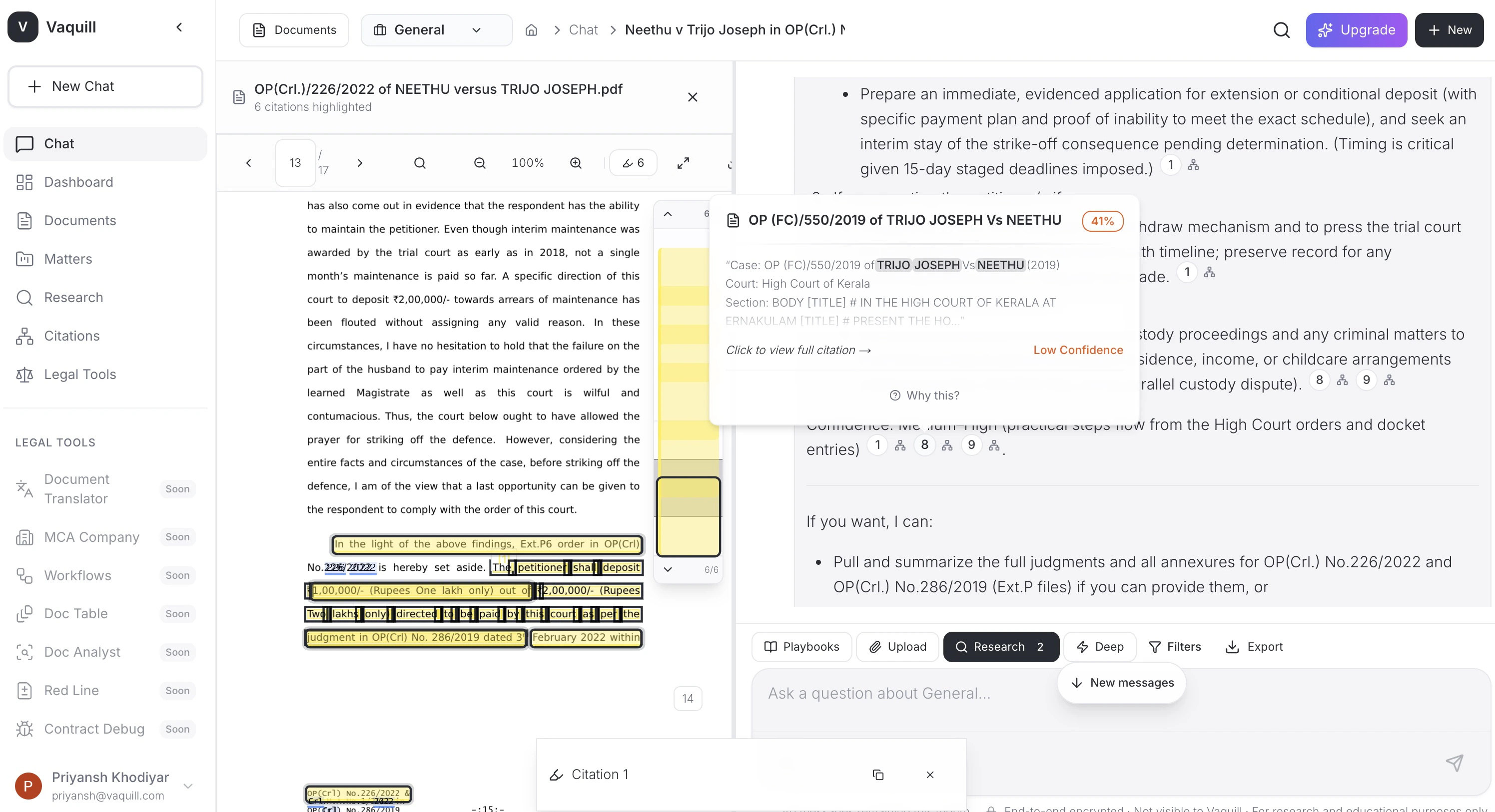
Supported Formats
Documents
PDF, DOCX, DOC, TXT, RTF, ODT
Spreadsheets
XLSX, XLS, CSV
Presentations
PPTX, PPT
Images (OCR)
PNG, JPG, TIFF processed with OCR automatically
EML, MSG with attachments
Archives
ZIP files unpacked and indexed
How to Use
Start a conversation
Open a new conversation from your dashboard, or work within an existing Matter.
Ask questions
Examples:
- “What is the termination clause in this agreement?”
- “Does this contract have a non-compete provision?”
- “Summarize the key obligations of the licensee”
Answer Verification
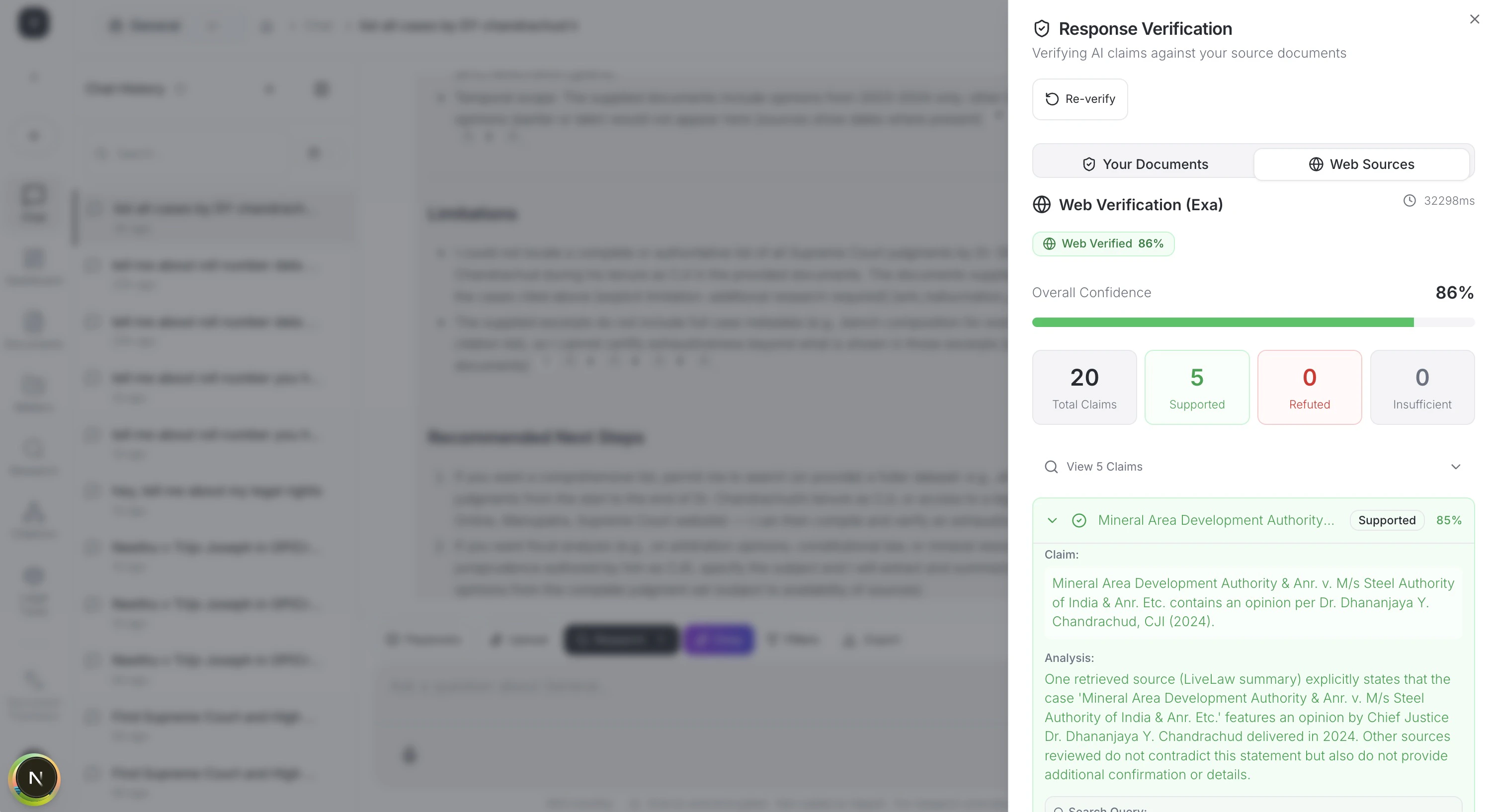
Every answer is verified against your source documents and external sources. Each claim gets a confidence score.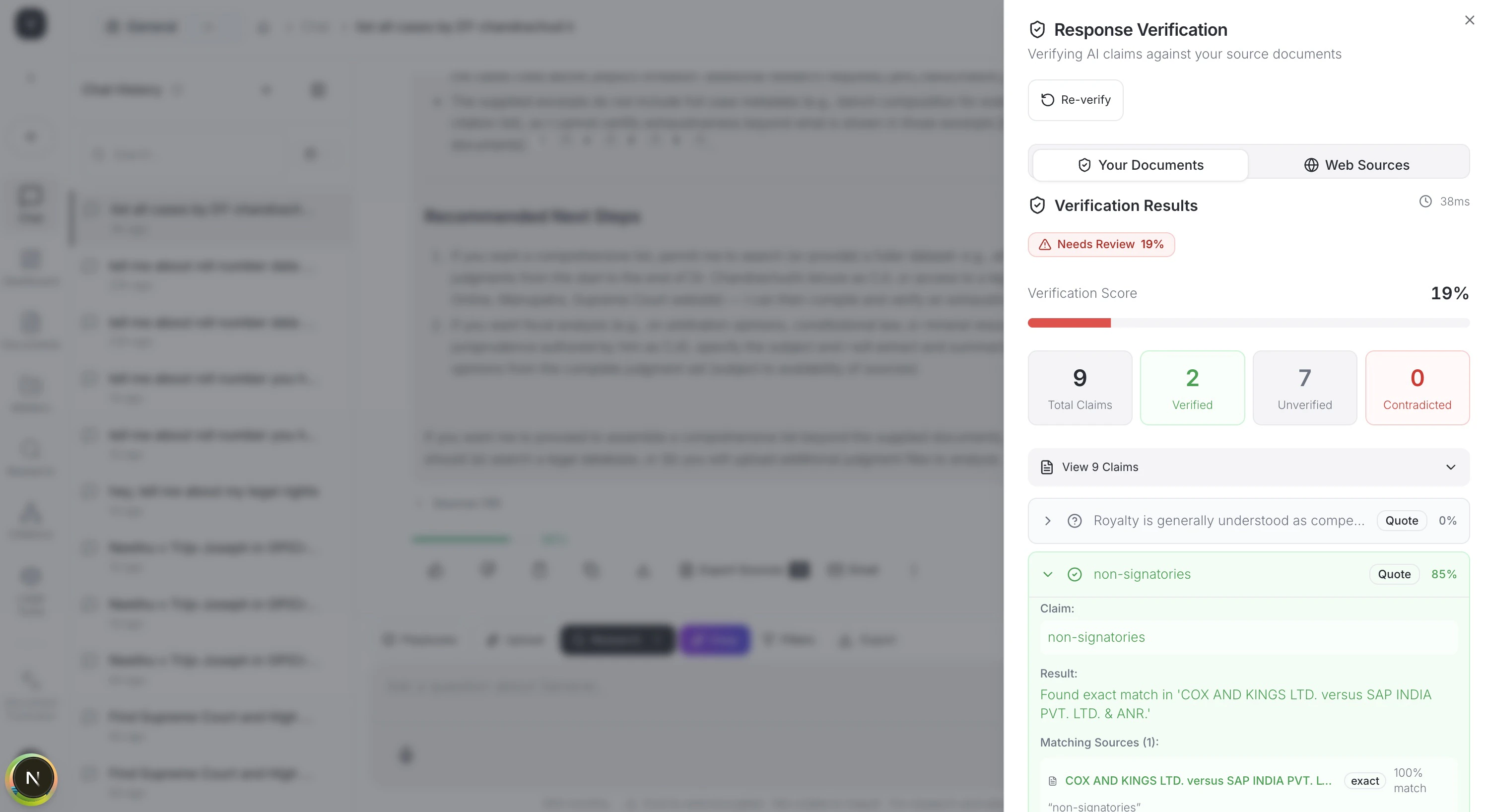
Follow-up Questions
Ask follow-up questions without re-uploading. Context is preserved across the conversation:You: What are the payment terms in this contract? Vaquill: Net-30 payment terms with a 2% late fee… You: Are there any exceptions to that? Vaquill: Yes, Section 4.3 provides an exception for force majeure events…
Google Drive Import
Import documents directly from Google Drive. Connect your Google account from dashboard settings. See Google Drive Import for the full OAuth flow and sync options.Ready-to-run prompts
Contract Q&A - ask any question about an uploaded agreement and get sourced answers with page citations.
Related
Case Law Research
Search US, Canadian, and Indian court cases by keyword or citation.
Agent Mode
Autonomous multi-step research across documents and the web.
Document Analyst
Deeper structured document Q&A with extraction templates.
File formats
Full list of supported formats and OCR behavior.